
Bay 2 Reset
Sorry about the hiccup! Most tracking issues clear up in about 10 seconds with a quick recalibration.
Call or text (508) 202-0250 for remote assistance.
01
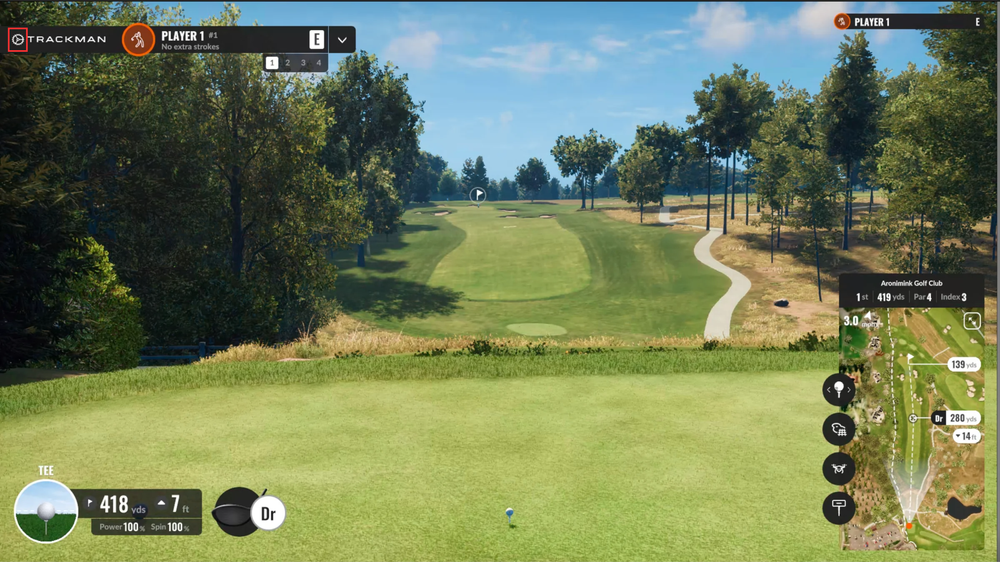
Open settings
From any TrackMan play mode, tap the settings wheel in the top left corner of the screen.
02

Tap Calibrate
In settings, tap Calibrate in the top right corner.
03

Tap Continue
Tap Continue at the bottom of the screen, then hit your next shot.
Still Not Tracking?
A full reset restarts your bay from your phone in under a minute. Your round should pick up right where you left off.
Full Bay Reset